Chiropractic Answering Service Integrations and Current Options
Direct practice software connections are not live yet. For chiropractic answering service integrations, today's options are Google Calendar booking and call summaries for your team. Try the demo to hear the calls, then plan your staff's handoff.
Try a new-patient call Request your free trial
Free trial on request: 14 days, up to 100 minutes.PrivacySecurity
Use Call Summaries, Your Dashboard, and Google Calendar
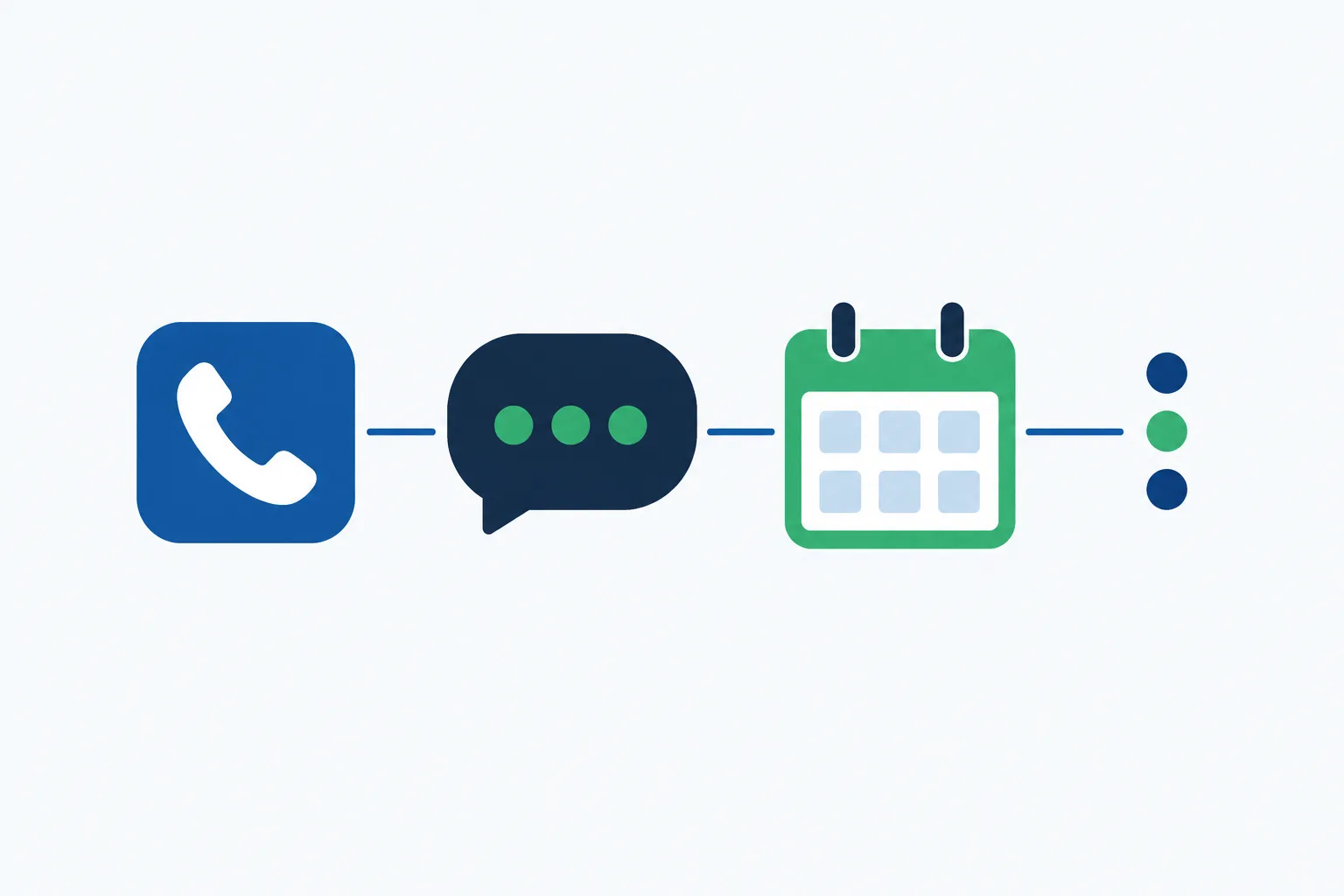
Your receptionist sends email and app push call alerts, keeps call details in your dashboard, and books into Google Calendar. You can choose callback intake instead of booking.
Call alerts
Email and app push notifications include summaries, transcripts, recordings, and urgency tags.
Dashboard review
Find calls and usage together, then change settings in plain language.
Calendar booking
Book appointments into Google Calendar or gather requests for staff callbacks.
See the details
The working handoff today is a call record your team can review. Each call brings an email and app push alert, and your dashboard holds the summary, transcript, and recording alongside usage and settings. A daily digest email helps your desk review the day's calls together.
For appointments, your receptionist books into Google Calendar or takes details for a callback. Those are the current options. A booking in that calendar does not create an appointment in your separate practice software.
ChiroTouch, Jane, WebPT, Prompt, ChiroFusion, and Raintree Status
ChiroTouch, Jane, WebPT, Prompt, ChiroFusion, and Raintree are not connected to our receptionist yet. Tell us which your practice uses so your request can inform future connection priorities.
ChiroTouch and Jane
Neither has a live direct connection to our receptionist.
WebPT and Prompt
Your staff currently enters the relevant call details themselves.
ChiroFusion and Raintree
Direct connections are not live; tell us about your workflow.
See the details
We do not have live direct connections for any of these six products. Your receptionist can handle the call and deliver a summary, but your staff enters the relevant details into the practice system.
Tell us which software you use and what you need to carry over, such as an appointment request or a referral message. We plan direct connections according to demand. A software request is useful input for that planning, and it is not a launch date or a currently available feature.
Give Staff a Clear Handoff Into Your Practice Software
Use callback intake when your staff needs to enter appointments in practice software. Your team reviews the call summary, returns the request, and updates its own records.
Choose intake first
Take appointment details when staff must handle the final scheduling.
Review the message
Use the summary and transcript to understand the caller's request.
Enter details yourself
Your team updates practice software after reviewing the call information.
See the details
For a fictional example, a caller named Alex asks to reschedule a physical therapy visit. Your receptionist collects the request for a callback. A staff member reviews the call summary, contacts Alex, and updates the practice schedule.
This approach keeps your existing software in your team's hands while the receptionist handles the phone conversation. If you prefer Google Calendar booking, decide how staff will handle the separate practice record. The new patient booking options describe booking and callback intake in more detail.
Tell Us Which Connection Your Practice Needs
We plan direct software connections by demand. Tell us which system you use and what task you want supported, so your request describes a practical front desk need.
Name your system
Tell us which practice software your front desk uses today.
Describe the task
Explain whether the need concerns booking, referral messages, or another handoff.
Plan around today
Use current call summaries and booking options while connections remain planned.
See the details
Useful requests name both the software and the work your staff currently does by hand. You might need appointment requests entered in your schedule or referral messages available for a callback. Describe the task without sharing real patient details.
Send your request to [email protected]. We use demand to guide connection planning, without promising a release date. The browser conversation demo lets you assess phone handling; request a free trial to test the current handoff with your own instructions.
Common questions
Does your receptionist work directly inside my practice software?
Direct practice software connections are not available currently. Your receptionist sends summaries your staff can review and enter themselves. ChiroTouch, Jane, WebPT, Prompt, ChiroFusion, and Raintree are not connected yet. Tell us which system and task your practice needs supported.
Can it book appointments without a practice software connection?
Yes, your receptionist can book into Google Calendar. If your practice schedule lives elsewhere, callback intake lets staff handle booking in that system. Choose the approach that fits your desk; request a free trial to test how your team will manage the appointment details.
How do call details reach my team today?
Each call produces an email and app push alert with a summary, urgency tag, transcript, and recording. Those details are also available in your dashboard, with a daily digest sent by email. Your staff handles any entry into separate practice software.
Can it take physical therapy referral messages for our staff?
Your receptionist can take referral details according to your intake instructions and send the call information to your team. Staff reviews the message and enters what is needed into the practice system. The receptionist does not make clinical decisions about the referral.
When will you add a connection to my software?
Direct connections are planned by demand, and we do not have a release date to offer here. Tell support which software you use and which task matters most. Base your trial request on the call handling, summaries, and booking options currently available.
Try the Call Handling and Plan Your Handoff
Hear the receptionist in the demo, then request a free trial to test the available handoff. Tell us which software connection your team would find useful.